AI static ad maker for Meta and TikTok
The static ad maker turns a product photo into finished ad creatives: proven layouts, your brand, correct sizes per placement, in minutes instead of a designer’s week.
What does the AI static ad maker do?
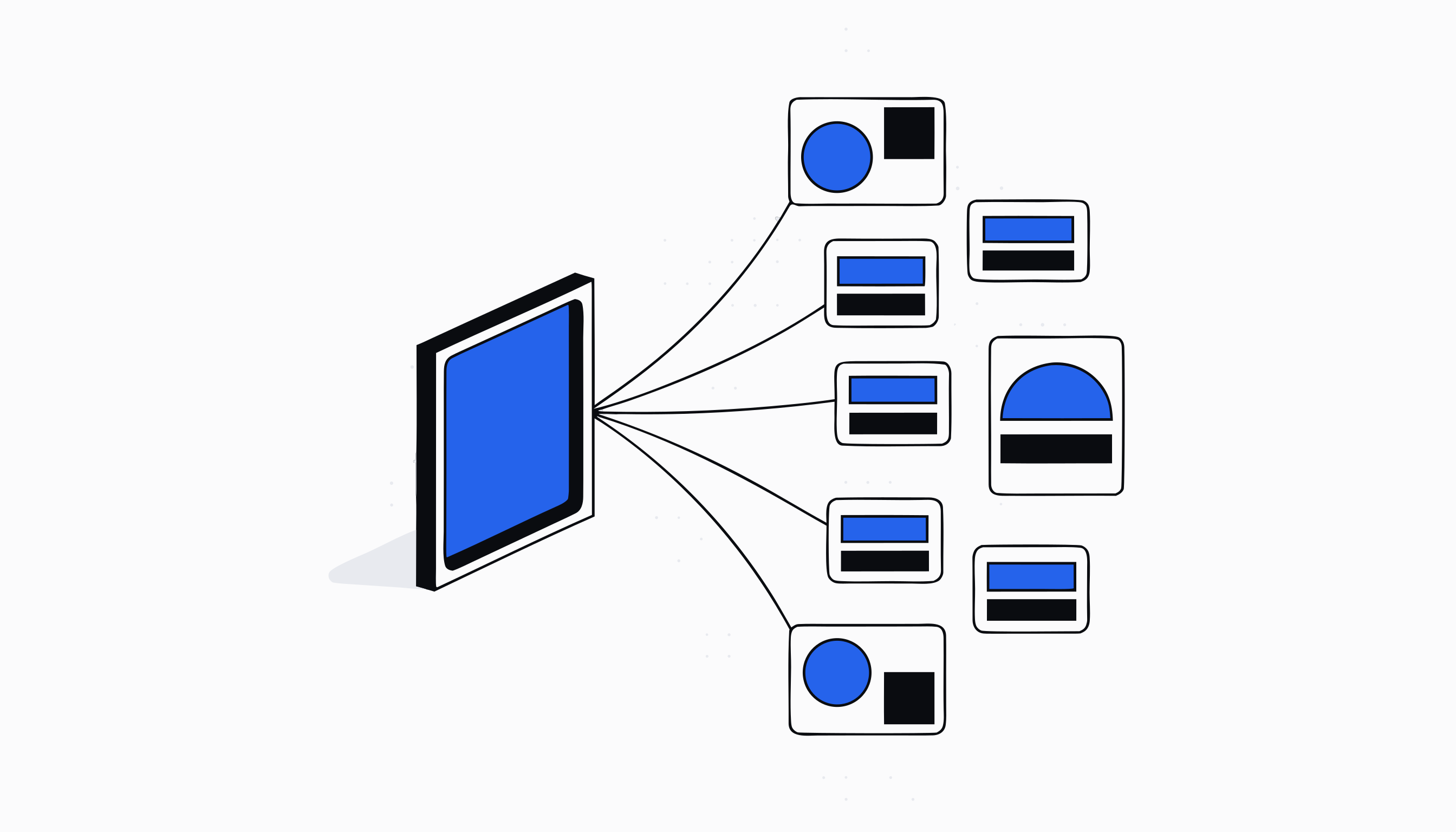
The static ad maker turns a product into finished image ads for paid social. You choose the product, the format and the creative direction; it produces the layouts, the imagery, the hooks and the copy, and stores every generation in a library you can review, download and reuse.
It replaces the slowest part of running paid social: the wait for creative. Instead of briefing a designer and getting one concept back days later, you generate a batch, keep what works, and regenerate what does not, all in the same sitting.
How it works, step by step
On the Generate Ads tab you start with the product. The default source is your own synced Shopify catalogue, searched by name, so there is no ambiguity about what you are advertising. You can also paste a product URL and let the tool read the page, or enter the details by hand.
Next you set the creative inputs: reference images of your product (scraped from the page or uploaded, with one marked as the primary), the ad format (square, vertical, story or horizontal), the language, and the direction you want the creative to take. Then you generate. Finished ads appear in the All Ads tab, where every generation is a shareable link your team can open directly.
Inspired Ads and Deep Research Ads
Inspired Ads builds your creative on layouts that are already proven. Upload a competitor ad or pick a reference, and the tool recreates that layout for the product you sell, matching the colours and branding of your own product rather than copying theirs. Layouts you like can be saved as reusable templates, so a structure that converts once becomes a starting point forever.
Deep Research Ads goes a step further: before generating, it researches the product and market, then builds the creative on what it found. Both tabs land their output in the same library as Generate Ads, with the same review and download actions on every creative.
Put ad creation on a schedule with Auto Ads
The Auto Ads Scheduler is for stores that need fresh creative continuously. You build a recurring plan: which products, which days, how many ads, and what creative direction. The plan then delivers on schedule, and the tab shows exactly what it produced, grouped per product and per day.
Delivered ads carry the same actions as everything else in the library. Nothing a plan generates goes anywhere on its own; it waits for your review like any manually generated creative. Pausing, editing or deleting a plan takes one click.
Why the ads look like your store, not a template
Every generation is seeded from your brand profile. The ad language starts on whatever your store's brand identity speaks, the product references come from your own catalogue, and competitor layouts are rebuilt in your product's colours and branding. The result reads as your brand's ad, because it is built from your brand's inputs.
The Image Chat tab makes iteration conversational: it keeps a library of your product, competitor and style images plus your saved templates, so you can ask for a variation the way you would brief a designer, with all the context already loaded.
How it connects to the rest of the Creative Engine
The static ad maker takes input from the AI researcher and hands output to your campaigns. A persona built in the researcher's Persona Builder deep links straight into Generate Ads, so the creative is aimed at a specific buyer rather than a generic audience. Winning ad templates found in the researcher become the layouts Inspired Ads rebuilds for your product.
A typical week looks like this: the researcher surfaces an angle worth testing, you generate a batch of static ads against it, keep the three strongest, and move them into a Meta campaign. When one wins, you save its layout as a template and put it on an Auto Ads plan.
Questions merchants ask
How is this different from a generic AI image generator?
A generic image generator produces a picture from a prompt. The static ad maker produces an ad: correct format for the placement, a layout modelled on creative that is proven in market, your real product from your own catalogue as the subject, and hooks and copy in your brand's language. You are not prompt engineering your way to something usable; the store context does that work.
Can it copy a competitor's ad style?
It can rebuild a competitor's layout for your product. Upload the ad as inspiration and the tool recreates its structure with your product, your colours and your branding. The layout is the input; the output is unmistakably yours.
Do the generated ads publish automatically?
No. Every generation, including the ones an Auto Ads plan produces on schedule, lands in a library for your review. Moving an ad into a campaign is always your action.
Which formats does it generate?
Square, vertical, story and horizontal, so the same concept can cover feed, story and other placements. You choose the format per generation.
Is the static ad maker included in my Zyberon plan?
Yes. One subscription covers the entire platform, and the static ad maker with all its tabs, including the Auto Ads Scheduler and Image Chat, is part of it.
Ready to automate
your empire?
About 7 minutes to set up. After that, the work that used to wait for Monday morning happens on Saturday night.
Live in about 7 minutes · cancel anytime