Steering: AI management and team chat for your store
Steering is where you run the operation instead of the tools: an AI manager that watches everything Zyberon does for your store, and a team chat where you and the AI decide what happens next.
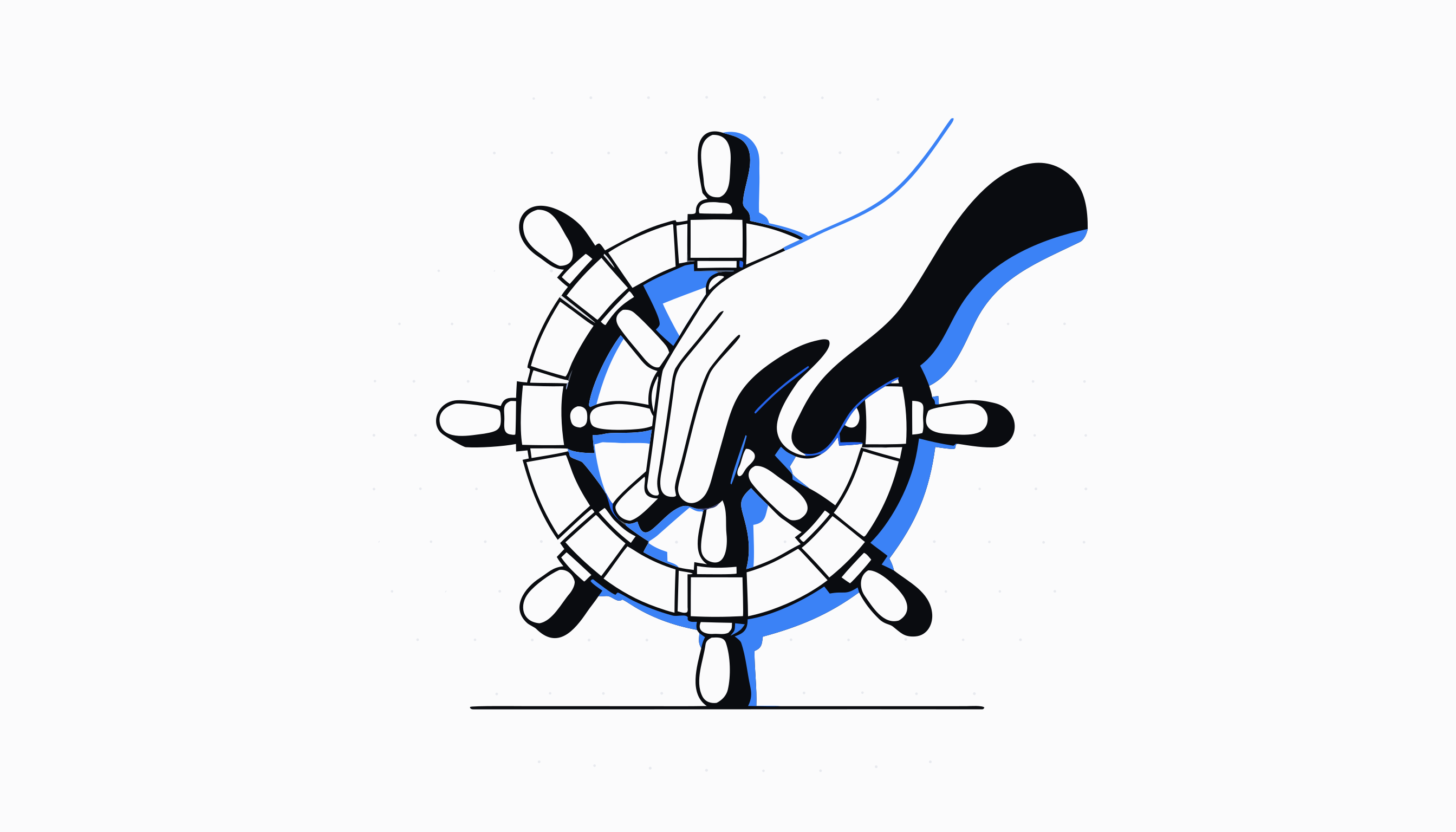
How do you run an AI team instead of babysitting it?
Most merchants who adopt AI tools end up with a new job: checking on the tools. Steering removes that job. It sits above every Zyberon feature and turns their combined output into one operational picture: what ran, what it produced, what it earned, and what is waiting on a human decision.
The layer has two halves that feed each other. AI Management is the numbers side: revenue, ad results, tasks, targets and a full activity trail for every member and every tool. Team Chat is the conversation side: the place where you, your team and the AI discuss that picture and decide what happens next.
Together they replace the morning ritual of opening six dashboards. You open one overview, see the state of the operation, and spend your attention only on the items that genuinely need it.
What does Steering replace for a Shopify merchant?
It replaces the informal management stack most stores run on: a spreadsheet of who is doing what, a group chat in a consumer messaging app, a weekly meeting to find out whether the ads made money, and a nagging feeling that something ran last night and nobody checked it.
Instead of stitching those together, Steering gives you a task system that knows about your store, targets measured against real numbers rather than gut feel, an activity log that records what every person and every tool actually did, and a chat where a file, a task or a piece of store data can be dropped straight into the conversation.
- One overview instead of a dashboard per tool
- Tasks and targets tied to store metrics, not a standalone project tracker
- A team chat that understands your store instead of a generic messenger
- An activity trail you can filter by tool, member and time window
What lives inside Steering and what each part does
AI Management is the manager's desk. Its Overview reads like a scoreboard for the whole team, with per member ad revenue, spend and profit pulled from real synced results. The Command Center condenses revenue, ad performance and the value Zyberon generated into one screen with a running todo list, and dedicated tabs handle Tasks (with list, board, calendar and workload views), Targets on daily, weekly or monthly periods, Customers, a filterable Activity feed and Members with their roles.
Team Chat is where the decisions get made. It gives your organisation channels, direct messages and threads that update in real time, with attachments, a shared Files library, and automatic translation so a team spread across languages reads every message in their own. Slash references let anyone drop store objects straight into a message, and an owner only Monitor view keeps the account owner across everything happening in the workspace.
The split is deliberate. Management tells you what is true; chat is where you act on it. Neither asks you to leave Zyberon to do its half of the job.
Who is Steering for?
Solo operators use it as a self management layer: the Command Center is the one screen worth checking daily, and targets keep the week honest even when nobody else is watching.
Teams get the most out of it. A store with a founder, a buyer and a couple of virtual assistants can assign tasks with owners and due dates, set individual targets, watch workload balance across the board view, and keep every discussion in a chat that the owner can supervise. Roles decide who can manage the team and who simply works within it.
Agencies and operators running a store for someone else use the Activity feed and the Overview as their reporting layer: what was done, by whom, and what it was worth.
Does the AI act on its own, or do you stay in control?
You stay in control, and Steering is where that control lives. Across Zyberon the model is consistent: the AI prepares work, and anything that touches customers or money waits for a person to approve it. Nothing irreversible happens on its own.
Steering makes the approval model practical rather than theoretical. The Command Center and the Activity feed show you what has been prepared and what has shipped, tasks carry explicit owners so approvals never fall between two people, and the chat is where a proposed change gets discussed before anyone presses the button. Supervision is a feature here, not an afterthought.
Inside Steering
The tools that make it run
AI management: one manager over every tool
An AI manager that monitors every running tool, surfaces what needs a decision and keeps the operation moving without a daily checklist.
Read how it worksTeam chat with your AI workforce
A chat where your team and your AI tools work in one thread: ask, assign, approve and ship without leaving the conversation.
Read how it worksQuestions merchants ask
What is the Steering layer in Zyberon?
It is the command layer over every other Zyberon tool: AI Management for the numbers, tasks, targets and activity across your whole operation, and Team Chat for the conversations and decisions. You run the store from here instead of tool by tool.
How is this different from using a project tracker plus a chat app?
Generic trackers and messengers know nothing about your store. Steering's tasks and targets are measured against real store metrics like revenue and delivered outputs, the activity feed records what each tool actually did, and the chat can reference store objects directly. You are not copying numbers between apps to keep them in sync.
Can the AI make changes to my store without me knowing?
No. Zyberon prepares work and asks for approval before anything irreversible happens, and Steering is where you see and grant those approvals. The Activity feed additionally records what ran, so there is always a trail.
Does Steering work for a one person store?
Yes. Solo merchants use the Command Center as their single daily check in and targets as a way to keep the week accountable. The team features simply wait until you add people.
Is Steering included in the Zyberon plan?
Yes. One subscription covers the whole platform, including AI Management, Team Chat and every tool they steer. There is no separate management add on.
Can I control what team members see and do?
Yes. Members carry roles that determine who can manage tasks, targets and the team itself, and the owner has a Monitor view in Team Chat that others do not. Files in chat are only visible to people who can read the conversation they were shared in.
Ready to automate
your empire?
About 7 minutes to set up. After that, the work that used to wait for Monday morning happens on Saturday night.
Live in about 7 minutes · cancel anytime