Supply chain research for ecommerce products
The supply chain tool does the sourcing homework: supplier options, landed cost per unit and the margin each route leaves, so the buying decision is made on numbers rather than a hunch.
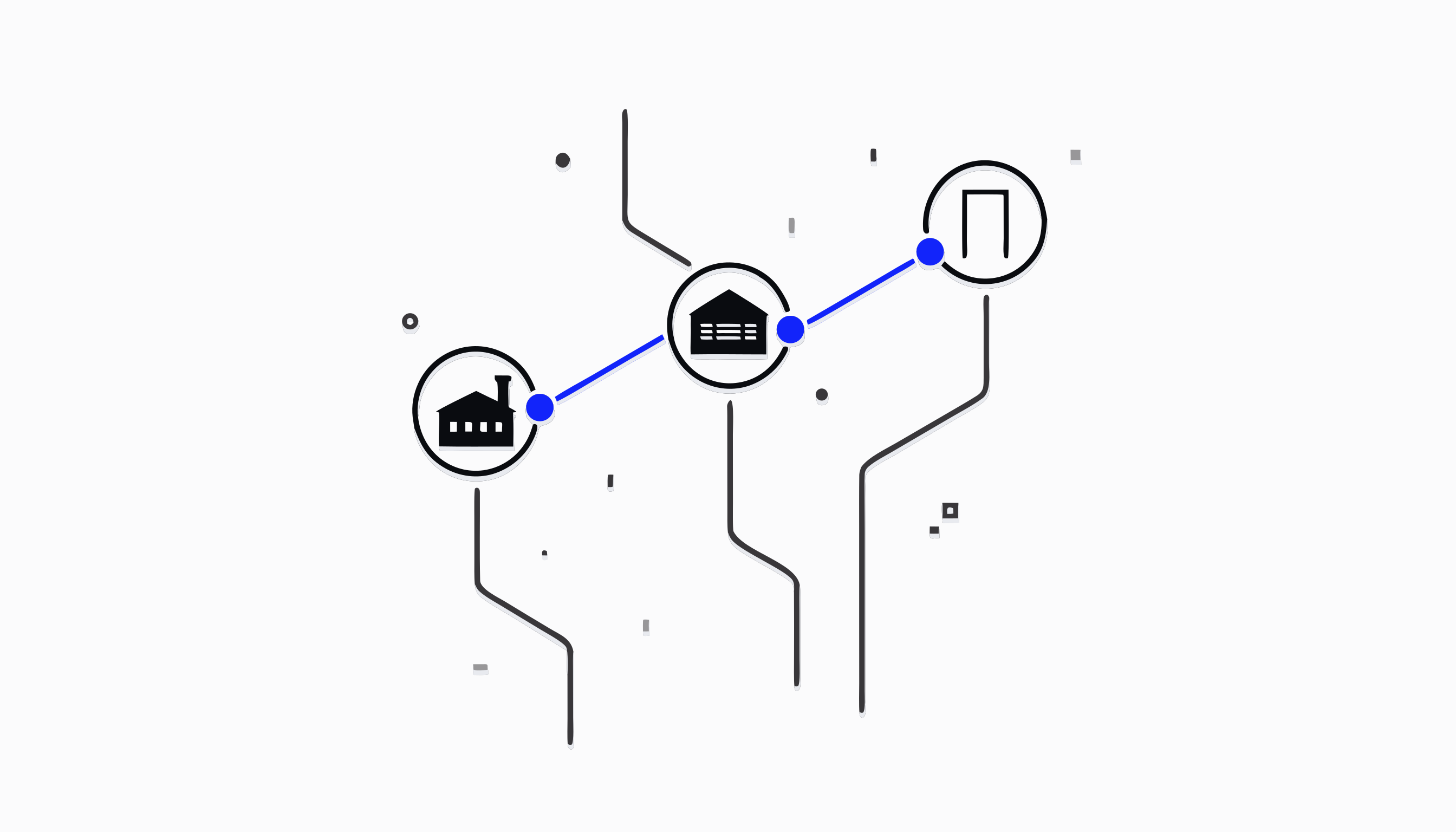
What does the Supply Chain tool do for a Shopify store?
Supply Chain answers the operator questions that never fit in a spreadsheet: which supplier is costing you money, which shipping lanes are slow, what each product really costs to land, and which orders need a word with the supplier today. It reads the same shipment data your store already produces and turns it into per supplier, per product answers.
It works whether you dropship or hold stock. Dropshippers get supplier performance, landed cost, claims and stock-out detection. Brands that buy their own inventory additionally unlock purchase orders and inventory screens, which stay hidden for everyone else so the interface never shows an empty promise.
How it works, from first supplier to full picture
You start on the Suppliers tab: add the supplier you buy from most (a name is enough to create one) and put in their WhatsApp number, country code included. Then on Products and pricing you map your product variants to that supplier with their costs, which is what makes landed cost and margin per product computable.
From there the tool fills itself in. Performance builds a supplier scorecard, sorted worst first so the supplier costing you the most is at the top, plus a lane view showing how every supplier, destination and carrier combination actually delivers. Stock-outs surfaces products your supplier keeps failing to ship, Claims tracks the disputes you raise, and Analytics rolls the chain up over time.
The Action queue is where it becomes daily practice. Every order that needs a word with your supplier appears there grouped by supplier, with a chase message already drafted. You edit it if you want, then send it through WhatsApp yourself; the queue records how many rounds each order has been chased so nothing gets chased twice or forgotten.
Why the numbers are about your chain, not industry averages
Every figure on these screens is computed from your own orders and parcels: your suppliers, your destinations, your carriers. A lane appears the moment a parcel actually ships along it, and the scorecard only ranks suppliers who have shipped for you in the selected range. The tool is explicit when coverage is still building, telling you to read early numbers as provisional rather than dressing them up.
Because the whole platform shares one Brain, the chain data also stays consistent with the rest of your store. The same product that carries a validation verdict carries its supplier mapping, its landed cost and its margin, so a decision about a product and a decision about its supplier are made from the same facts.
A week in the tool, the way a merchant would live it
Monday morning you open the Action queue and find six orders that have gone quiet, grouped under two suppliers. The chase messages are drafted; you tweak one, send both batches over WhatsApp, and the queue logs the round. On Wednesday the Stock-outs tab shows one product has failed to ship repeatedly in the window, so you open Products and pricing and check whether a second supplier already mapped to that product can take the volume.
By Friday the Performance scorecard confirms what the week suggested: one supplier's delivery times have drifted while their lane to your main market has slowed. You raise a claim for the worst orders on the Claims tab and shift your next batch of orders to the supplier the scorecard ranks above them. None of that required exporting a single CSV.
Where it hands off to the rest of Zyberon
Supply Chain is the reality check behind the AI Product Validator. A product can carry a winner verdict and still deserve a rethink if its only supplier keeps stocking out or its landed cost erodes the margin the verdict assumed; the chain data is what keeps validation honest over time.
It also splits cleanly from Order Tracking on the support side. Order Tracking answers where one shopper's parcel is right now, one row per order; Supply Chain answers which supplier and which lane is costing you money across all of them. Both read the same underlying shipment data, so a parcel that goes quiet shows up for your support team and in your supplier's scorecard at once.
Questions merchants ask
How is this different from a generic order tracking or logistics dashboard?
A tracking dashboard tells you where parcels are. Supply Chain tells you what your suppliers cost you: delivery performance per supplier and per lane, landed cost and margin per product, repeated stock-outs, and a queue of the orders that need chasing today with the message already drafted. It is built for the buying decision, not just the parcel status.
Does Zyberon message my suppliers automatically?
No. Zyberon drafts the chase message and groups the orders it covers, but you review it and you press send in WhatsApp. The queue then records that the chase went out and how many rounds each order has had, so you never chase blind or chase twice.
I dropship and never hold inventory. Is most of this useless to me?
The opposite: it was built with dropshipping in mind. Supplier scorecards, lane performance, landed cost, margin, claims, stock-outs and the chase queue all work without you holding stock. Purchase orders and inventory tabs only appear once your store actually buys its own stock.
What do I need to set up before the numbers mean anything?
Two things: add your suppliers (with a WhatsApp number if you want one click chasing) and map your product variants to them with their costs. Delivery metrics build up as your parcels ship, and the tool tells you plainly when coverage is still too thin to trust.
How does this connect to product validation?
They are two halves of one decision. The validator says whether a product deserves to be sold; Supply Chain says whether the supplier behind it deserves the volume, and what the route really costs. A verdict that ignores landed cost and delivery reliability is a guess, so Zyberon keeps both on the same product record.
Is Supply Chain part of the standard Zyberon plan?
Yes. One subscription covers the whole platform, Supply Chain included, whether you use the dropshipping views or the full brand mode with purchase orders and inventory.
Also in AI intelligence for ecommerce decisions
Ready to automate
your empire?
About 7 minutes to set up. After that, the work that used to wait for Monday morning happens on Saturday night.
Live in about 7 minutes · cancel anytime